Skip to content

Tools

Free tools for building and tuning your Nollie setup. Use them right in your browser, or download them for Windows.

  • Web app

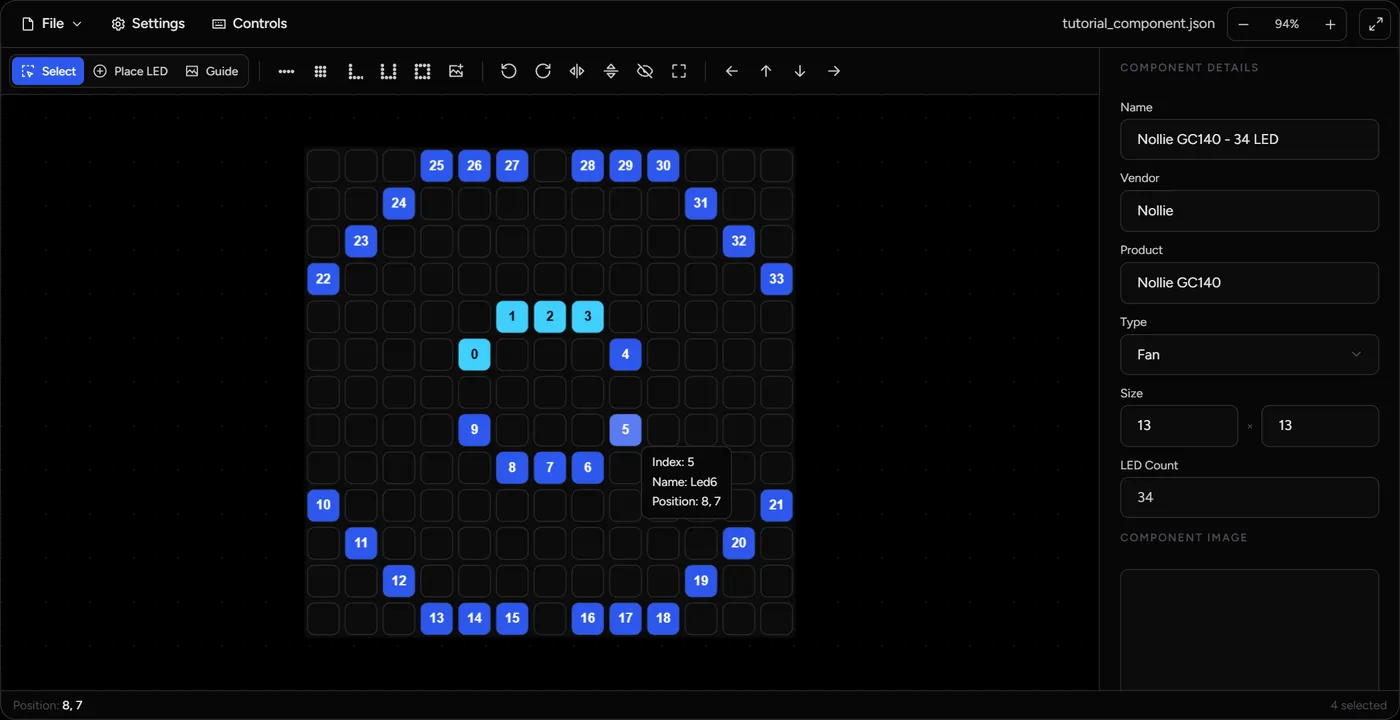
    Component Editor

    Design custom SignalRGB components and NollieRGB VMAPs. Place LEDs by hand, generate strips, matrices, L/U-shapes and rings, trace over a guide image, and import OpenRGB visual maps.

    • Saves files identical to the desktop editor
    • Hide LEDs as Z-LEDs for NollieRGB VMAPs
    • Import OpenRGB visual maps
    #signalrgb#nolliergb#openrgb
  • Web app

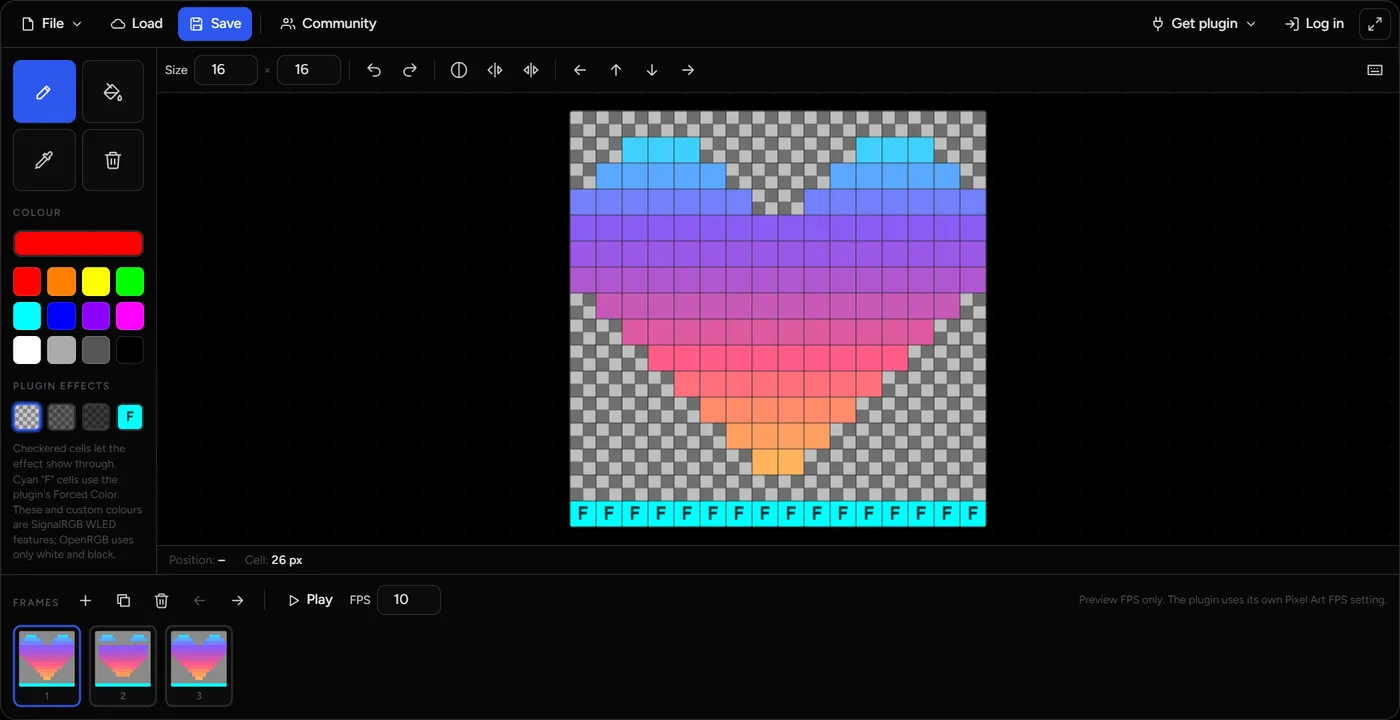
    Pixel Art Painter

    Draw pixel art and animations for LED matrices: the WLED and Nollie1 plugins in SignalRGB, and the OpenRGB Pixel Screen plugin. Mix solid colours with see-through cells that let your lighting effect shine through, then export the code for the plugin.

    • Works with SignalRGB (WLED, Nollie1) and OpenRGB Pixel Screen
    • Frame-by-frame animation and animated GIF import
    • Save, share and browse community pixel art
    #signalrgb#wled#openrgb
  • Windows app

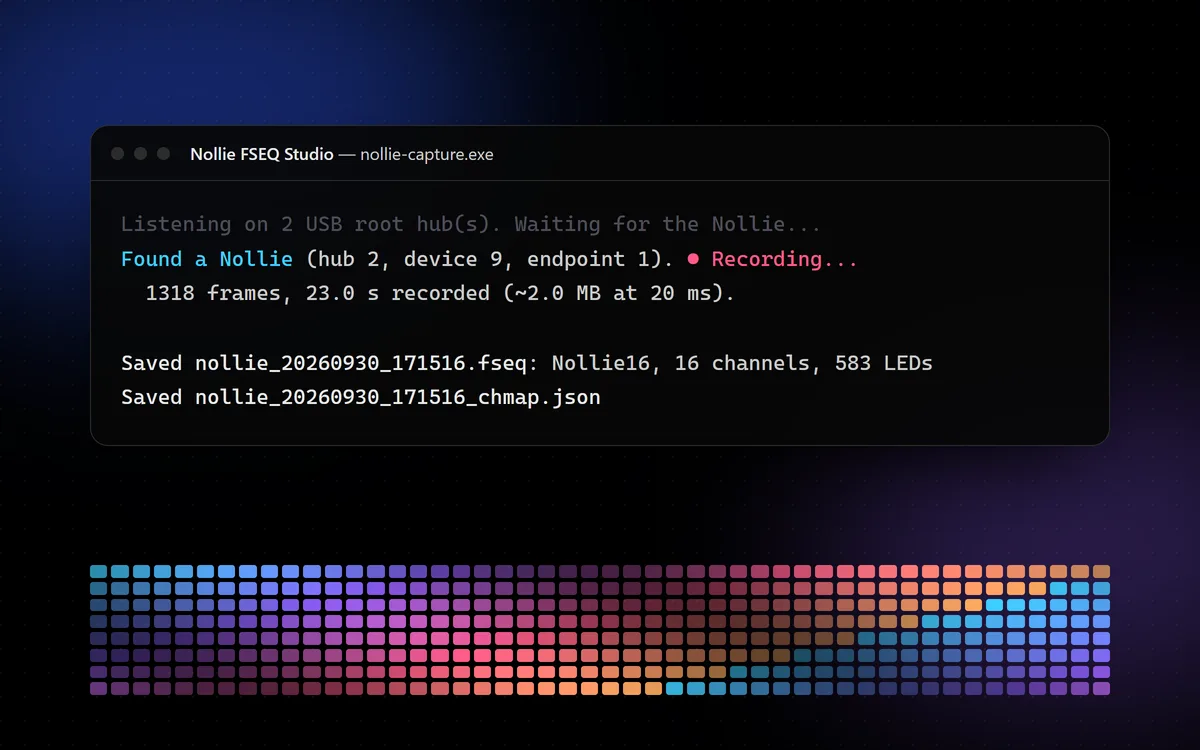
    FSEQ Studio

    Records what OpenRGB & SignalRGB sends to a Nollie16 / Nollie32 over USB and saves it as a Nollie-ready .fseq plus a _chmap.json channel map.

    • Live USB Packet Sniffing & Recording
    • Automated Conversion to Hardware-Ready .fseq & Channel Maps
    • Capture & Output Optimization Controls
    #signalrgb#nolliergb#openrgb