
Why You Shouldn't Put Magnets Near Nollie Controllers (Hall Sensor Alert)
External magnets can disrupt Hall current sensors on flagship controllers like Nollie 16 and Nollie 32.
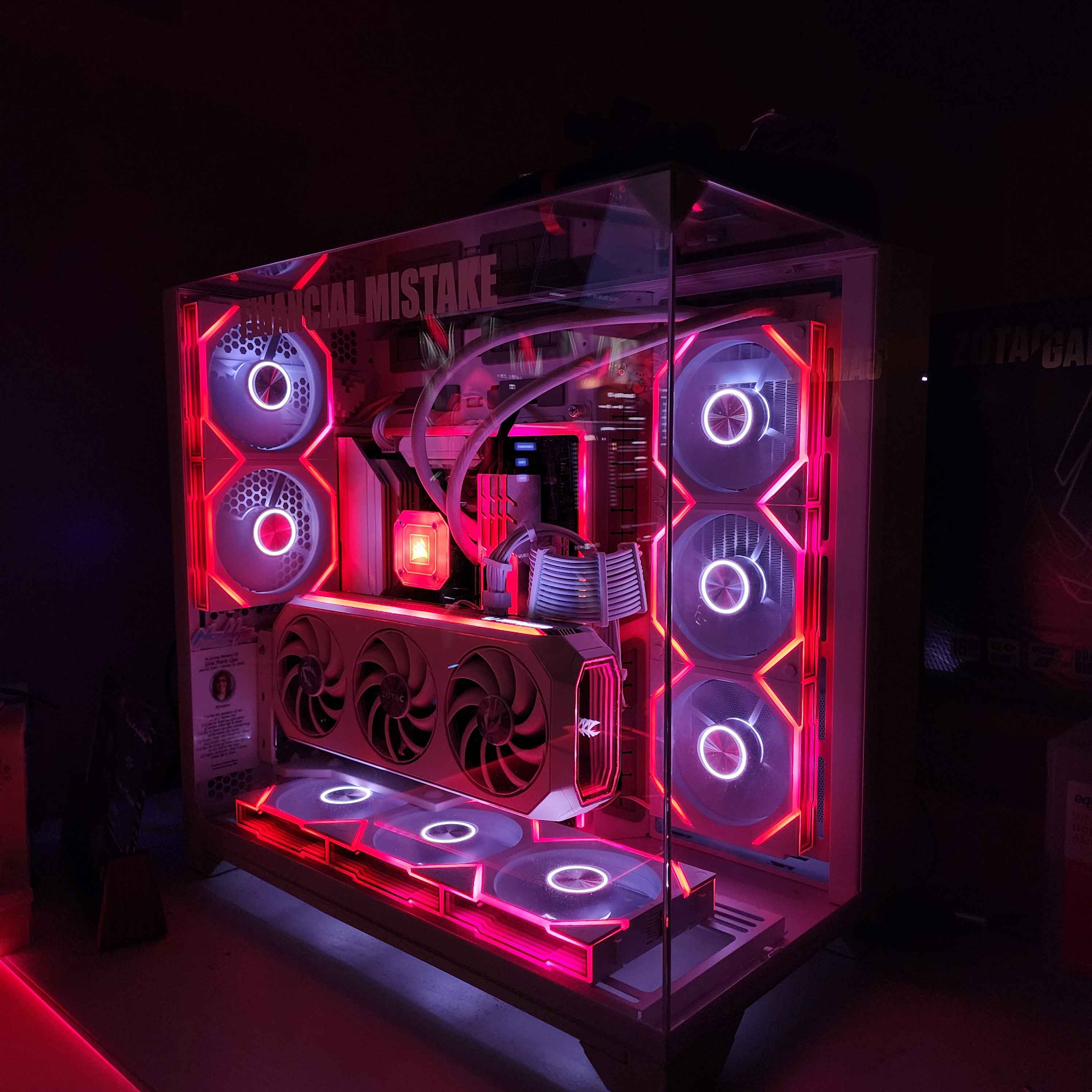
- Do not mount or place magnets near Nollie 16 or Nollie 32 controllers.
- Flagship Nollie controllers utilize sensitive onboard Hall effect current sensors to monitor 5V ARGB power draw.
- External magnetic fields distort current readings and can trigger false overcurrent protection (OCP) shutdowns.
- Use 3M VHB double-sided tape, Velcro pads, or zip ties instead of magnetic mounting accessories.
If you are planning the mounting location and cable management for your Nollie controller, there is one crucial rule to remember:
Do NOT place magnets, magnetic mounting strips, or magnetic pucks near Nollie controllers, especially flagship models such as Nollie 16 and Nollie 32.
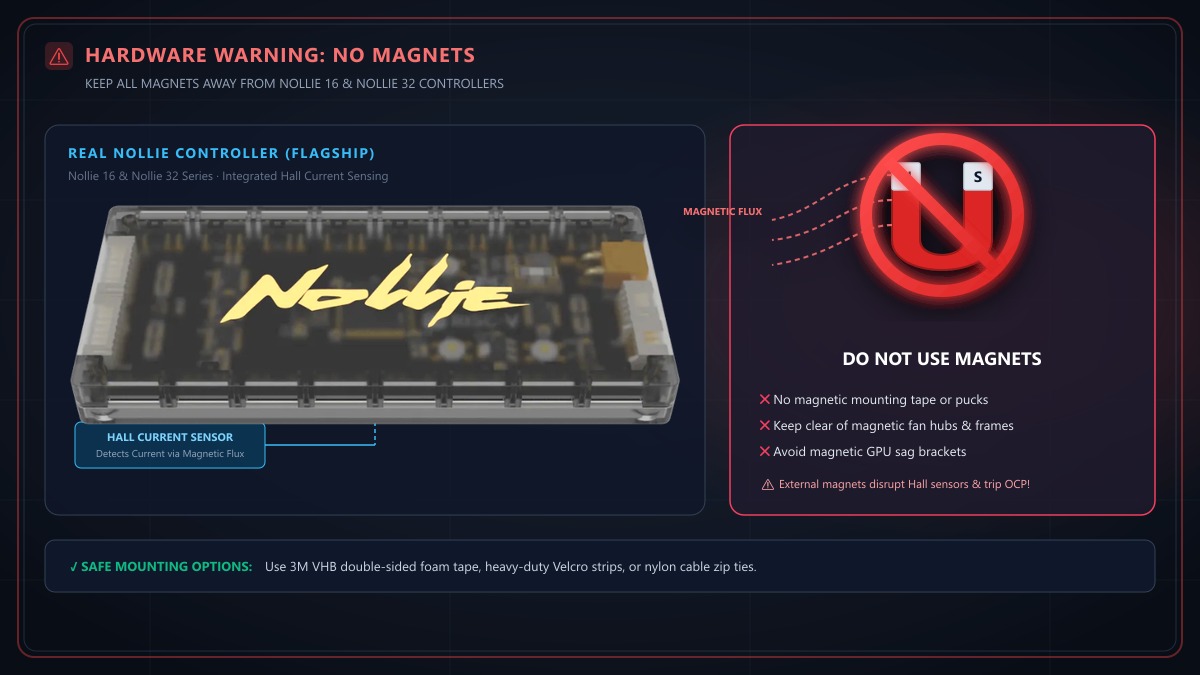
While magnetic mounting is common for generic PC accessories, placing a magnet near a Nollie controller can disrupt its onboard circuitry and cause unexpected shutdowns.
Why? The Role of Hall Current Sensors
Unlike basic RGB controllers that lack current monitoring, flagship Nollie controllers (Nollie 16 and Nollie 32) are engineered with Hall effect current sensors on the circuit board:
- How Hall Sensors Work: A Hall sensor measures high-current DC power by sensing the microscopic magnetic field generated as electrical current flows through a conductor.
- The Interference Problem: When you place a permanent magnet (such as neodymium mounting magnets or magnetic tape) near the controller, the strong external magnetic flux completely overwhelms the sensor.
- What Happens Next:
- The sensor misinterprets the external magnetic field as a massive electrical current spike.
- The onboard firmware’s Over-Current Protection (OCP) or safety safeguarding can instantly trip, shutting down channels to protect against perceived short circuits.
- Controller telemetry, power readings, and lighting stability can become corrupted or frozen.
Common Magnetic Culprits in PC Cases
When installing your controller behind the motherboard tray or in the PSU basement, avoid placing it in direct contact with:
- Magnetic adhesive mounting tape or magnetic puck mounts
- Magnetic cable clips or routing ties
- Magnetic fan hubs or fan controllers
- Magnetic-latching fan frames (daisy-chain magnetic connectors placed adjacent to the controller body)
- Heavy speaker magnets or pump motor housings
- Magnetic GPU anti-sag brackets
Recommended Safe Mounting Alternatives
To secure your Nollie controller safely inside your chassis without risking magnetic interference:
1. 3M VHB Double-Sided Foam Tape
High-bond acrylic foam tape (such as 3M VHB) provides a rock-solid, vibration-damped mount to any flat metal or plastic surface behind the motherboard tray without introducing magnetic flux.
2. Hook-and-Loop (Velcro) Fasteners
Heavy-duty Velcro strips allow you to easily remove or reposition the controller during maintenance or cable rewiring while remaining 100% non-magnetic.
3. Cable Ties (Zip Ties)
Use the chassis’s built-in cable anchor loops with standard nylon zip ties to securely hold the controller against case framing.
4. Non-Magnetic Standoffs / 3D-Printed Brackets
If mounting to drive sleds or 2.5” SSD bays, use standard nylon or brass hardware screws.