
Hardware GuideHardware·1 min read·Aug 14, 2024
Nollie 1 Installation Guide
Package contents, motherboard connection, and wiring precautions for Nollie 1.
N
nuonuo
Nollie Team
Key Takeaways
- Connect the controller's USB cable to the motherboard USB-A port.
- Do not plug motherboard 5V 3-pin or 4-pin RGB into the controller.
- If it does not light up upon power-on, do not continue and contact support immediately.
Package Content
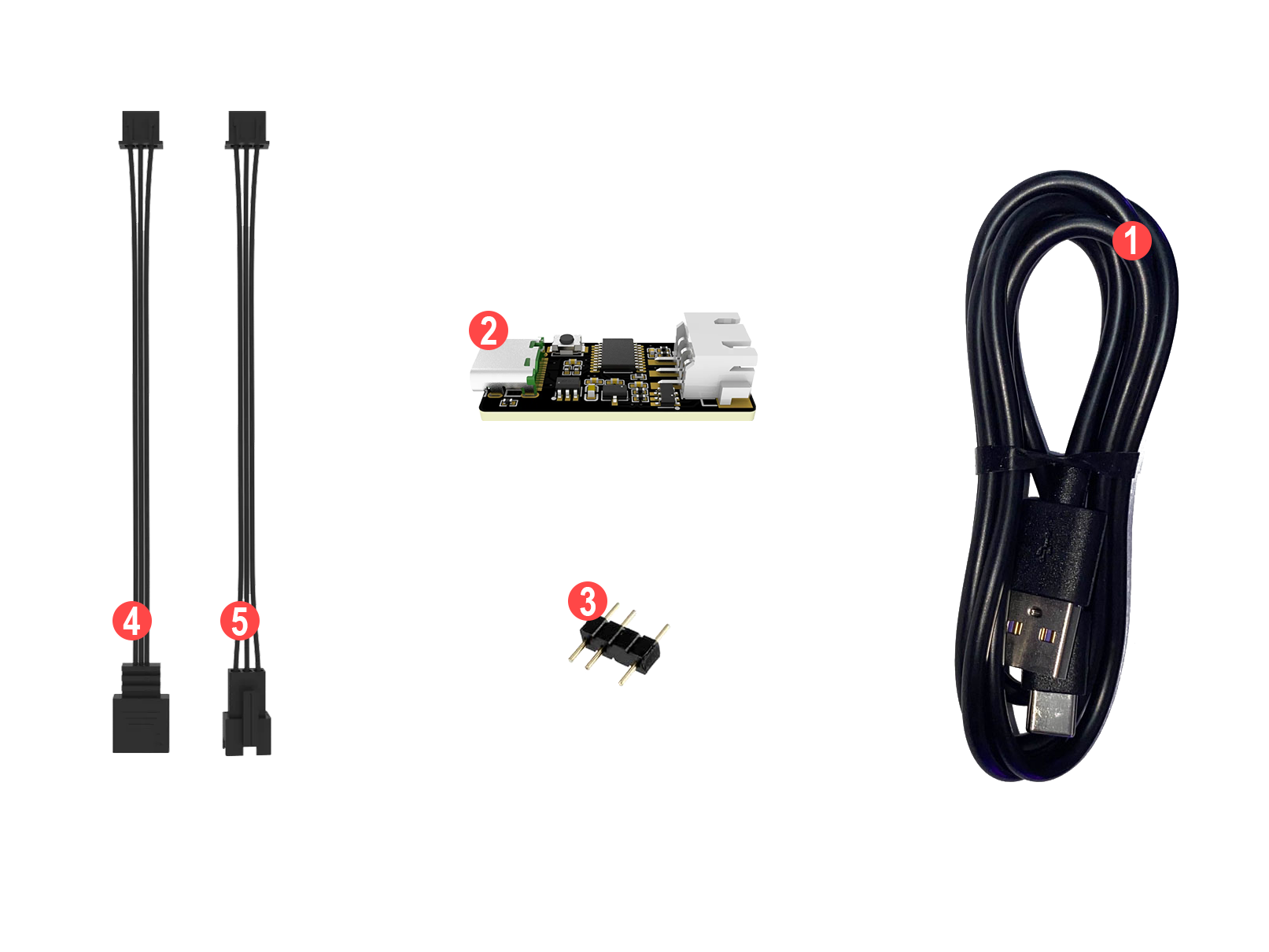
- USB-A to USB-C cable ×1
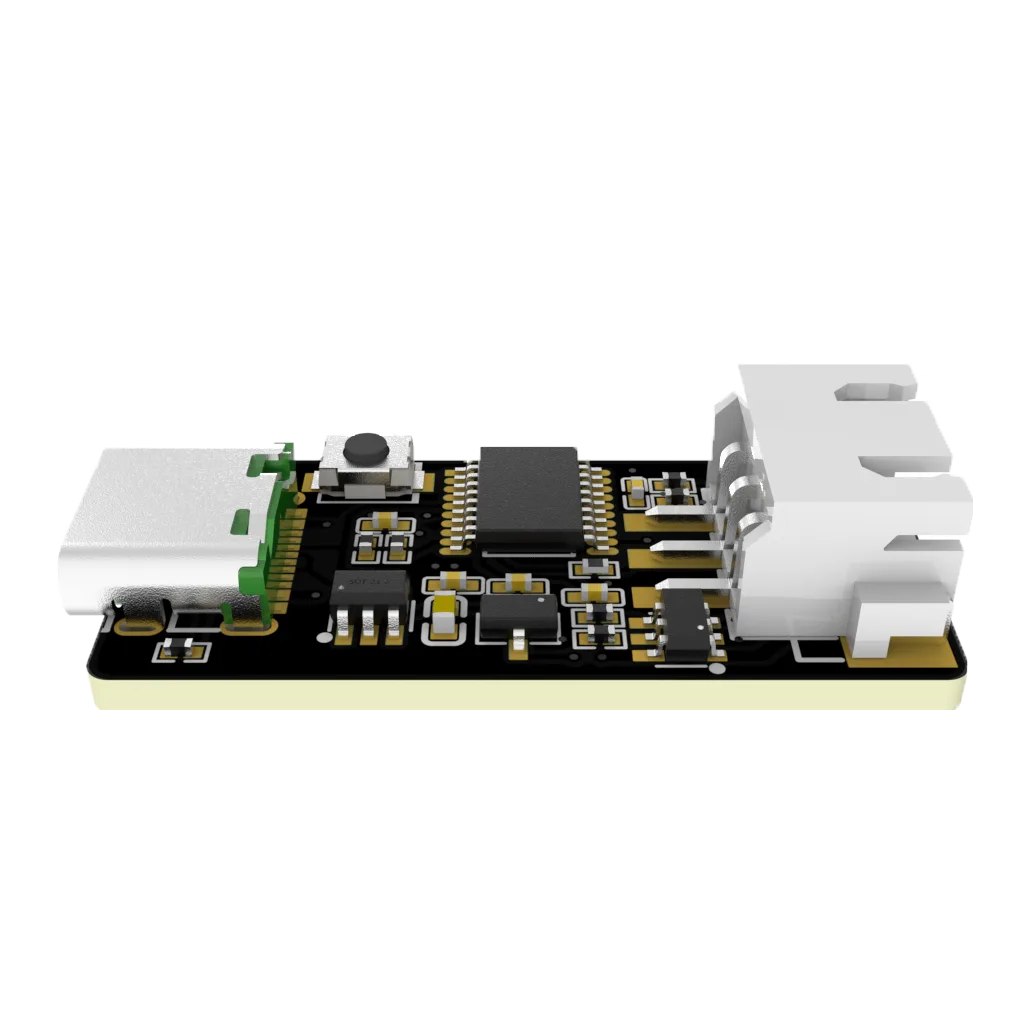
- Nollie 1CH Controller ×1
- 5V 3-pin Female to Male adapter ×1
- XH2.54 to 5V 3-pin cable (10 cm) ×1
- XH2.54 to JST-SM 2.5 cable (10 cm) ×1
Device Installation
-
Plug one of the XH2.54 cable 4️⃣/5️⃣ to Nollie 1CH Controller 2️⃣.
-
Plug your component to the XH2.54 cable 4️⃣/5️⃣.
-
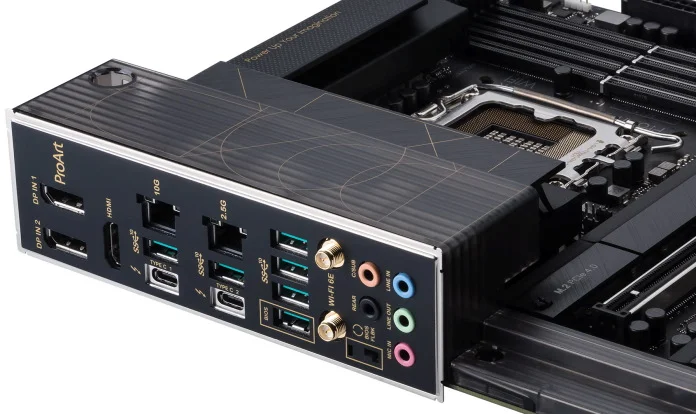
Plug the Nollie controller’s USB cable 1️⃣ to the motherboard USB-A port.
-
Turn on the computer: your component will immediately light up with green breathing effect, confirming successful installation.
-
If it does not light up, please do not continue to operate and contact support immediately.
Precautions
- Do not plug the motherboard 5V 3-pin into the controller.
- Do not plug the motherboard 4-pin RGB into the controller.